 devesh
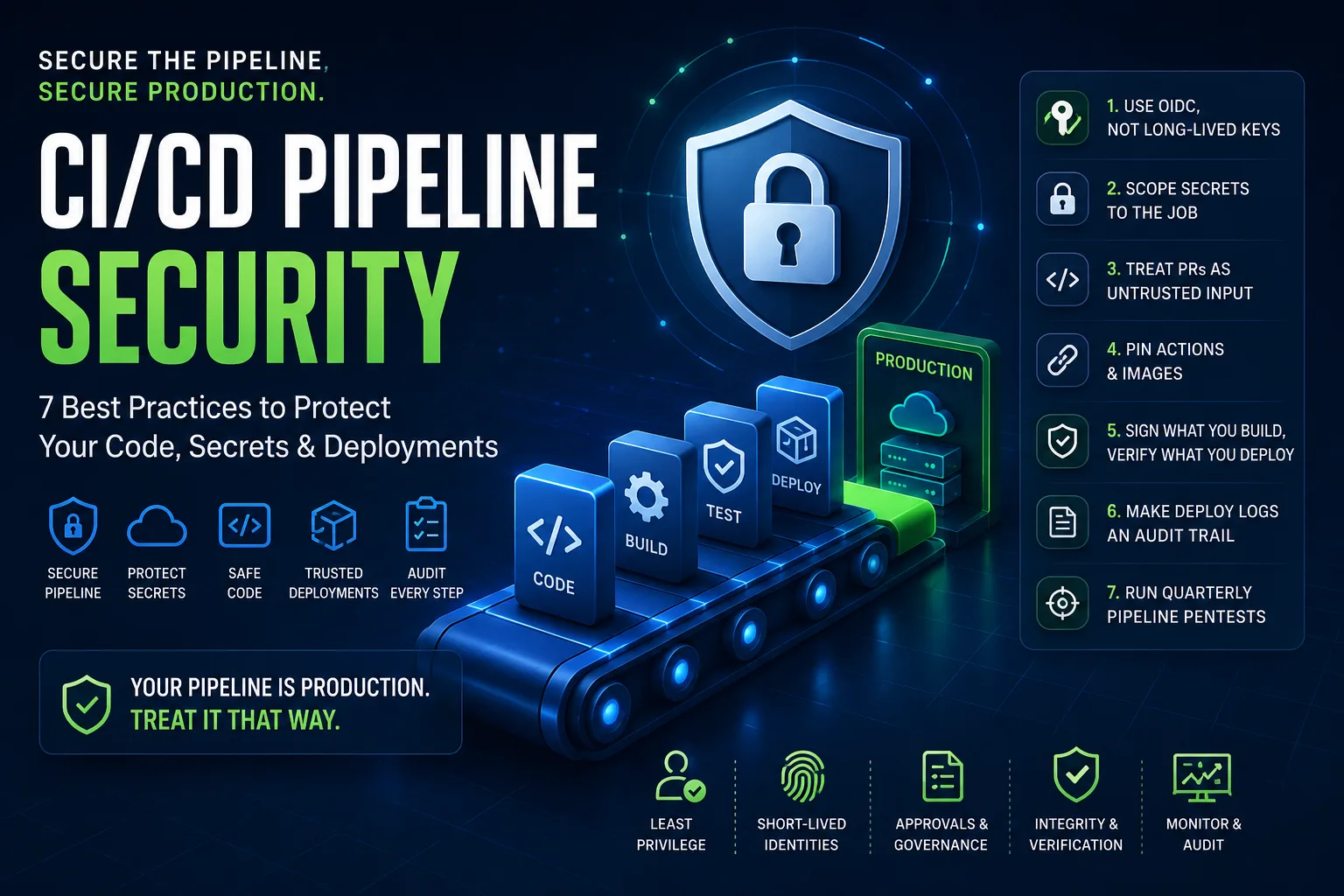
CI/CD Pipeline Security Best Practices: 7 Steps to Secure Your Production Deployments
Modern CI/CD pipelines do far more than build and deploy code—they have direct access to your production infrastructure, cloud environments, secrets, and deployment credentials. That means your pipeline isn't just part of your software delivery process—it is part of your production environment.
If an attacker compromises your CI/CD pipeline, they often don't need to attack your production servers directly. They can simply use the pipeline's trusted access to deploy malicious code, steal credentials, or manipulate infrastructure.
This guide covers seven essential CI/CD security best practices that every DevOps, SRE, and platform engineering team should implement.
Why Your CI/CD Pipeline Is a High-Value Target
Your deployment pipeline often has permission to:
Deploy applications to production
Access cloud infrastructure
Read sensitive secrets
Push container images
Modify Kubernetes clusters
Update databases and infrastructure
Because of these privileges, compromising the pipeline can be more valuable to an attacker than compromising production itself.
The goal is simple:
Treat your CI/CD pipeline with the same security standards as your production environment.
1. Eliminate Long-Lived Cloud Credentials with OIDC
One of the most common CI/CD security mistakes is storing long-lived cloud credentials as secrets.
Examples include:
AWS_ACCESS_KEY_ID
AWS_SECRET_ACCESS_KEY
Azure Service Principal credentials
Google Cloud service account keys
These credentials can leak through logs, developer laptops, repository forks, or accidental commits. Even worse, they often remain valid for months or years.
Instead, use OpenID Connect (OIDC) to generate short-lived cloud credentials for each workflow run.
Benefits of OIDC include:
Temporary credentials that expire automatically
No secrets to rotate
Repository-scoped access
Role-based permissions
Reduced credential theft risk
Major CI providers including GitHub Actions, GitLab CI, and Azure DevOps support OIDC federation with cloud providers.
2. Give Each Job Only the Secrets It Needs
Not every workflow requires access to production credentials.
For example:
A lint job should never receive deployment secrets.
Unit tests don't need production database credentials.
Documentation builds don't require cloud permissions.
Separate your workflows so that sensitive credentials are available only during deployment stages.
Even better, combine this approach with:
Environment protection rules
Required approvals
Manual deployment gates
Least-privilege IAM roles
Limiting secret exposure dramatically reduces the impact of compromised jobs.
3. Treat Pull Requests as Untrusted Input
One of the most overlooked CI/CD vulnerabilities is shell injection through user-controlled input.
Fields such as:
Pull request titles
Branch names
Commit messages
Git tags
can all contain attacker-controlled content.
Vulnerable Example
run: echo "Deploying ${{ github.event.pull_request.title }}"
This directly injects untrusted data into the shell.
Safer Approach
env:
  PR_TITLE: ${{ github.event.pull_request.title }}

run: echo "Deploying $PR_TITLE"
Passing values through environment variables allows the shell to treat them as data rather than executable commands, reducing injection risks.
Always assume that pull requests—even from internal contributors—contain untrusted input.
4. Pin Third-Party GitHub Actions and Container Images
Many CI/CD workflows depend on third-party GitHub Actions and Docker images.
Using version tags like:
actions/checkout@v4
or
node:20
introduces unnecessary risk because tags can change over time.
Instead:
Pin GitHub Actions to a specific commit SHA
Pin Docker images using immutable image digests
Review dependency updates before merging
Use automated dependency update tools like Dependabot or Renovate
This protects your pipeline from unexpected or malicious upstream changes.
5. Sign Every Artifact Before Deployment
Building software isn't enough—you should also verify where it came from.
Artifact signing ensures that production environments accept only software built by your trusted CI/CD pipeline.
Popular tools include:
Sigstore Cosign
Notation
Cloud-native signing solutions
With signed artifacts, Kubernetes admission controllers or deployment policies can reject:
Hand-built container images
Tampered artifacts
Images pushed outside your official pipeline
Artifact signing strengthens your software supply chain and helps prevent unauthorized deployments.
6. Turn Deployment Logs into a Permanent Audit Trail
Every production deployment should answer three critical questions:
Who initiated the deployment?
Which Git commit was deployed?
Who approved the deployment?
Many CI providers retain logs for only a limited period.
Instead of relying solely on hosted logs:
Export deployment records
Store logs centrally
Integrate with SIEM platforms
Retain deployment history for compliance and incident investigations
Comprehensive audit trails improve both security and operational visibility.
7. Perform Regular CI/CD Pipeline Security Testing
Security controls should be tested—not assumed.
At least once every quarter, perform a security review of your deployment pipeline.
Key questions include:
Can a forked pull request access secrets?
Can a compromised dependency steal OIDC tokens?
Can someone bypass deployment approvals?
Can workflow files be modified without review?
One commonly overlooked protection is securing workflow definitions themselves.
Use CODEOWNERS to require trusted reviewers before any changes to:
GitHub Actions workflows
Deployment scripts
Infrastructure-as-Code
Release automation
Without protecting workflow files, an attacker could simply remove the very security controls designed to stop them.
Final Thoughts
A secure CI/CD pipeline is the foundation of a secure software delivery process.
By replacing long-lived credentials with OIDC, limiting secret exposure, treating pull requests as hostile input, pinning dependencies, signing artifacts, maintaining audit trails, and regularly testing your pipeline, you significantly reduce the risk of supply chain attacks and unauthorized deployments.
Remember: Your CI/CD pipeline is no longer just automation—it is part of your production environment. Protect it with the same level of security as your most critical infrastructure.