 devesh
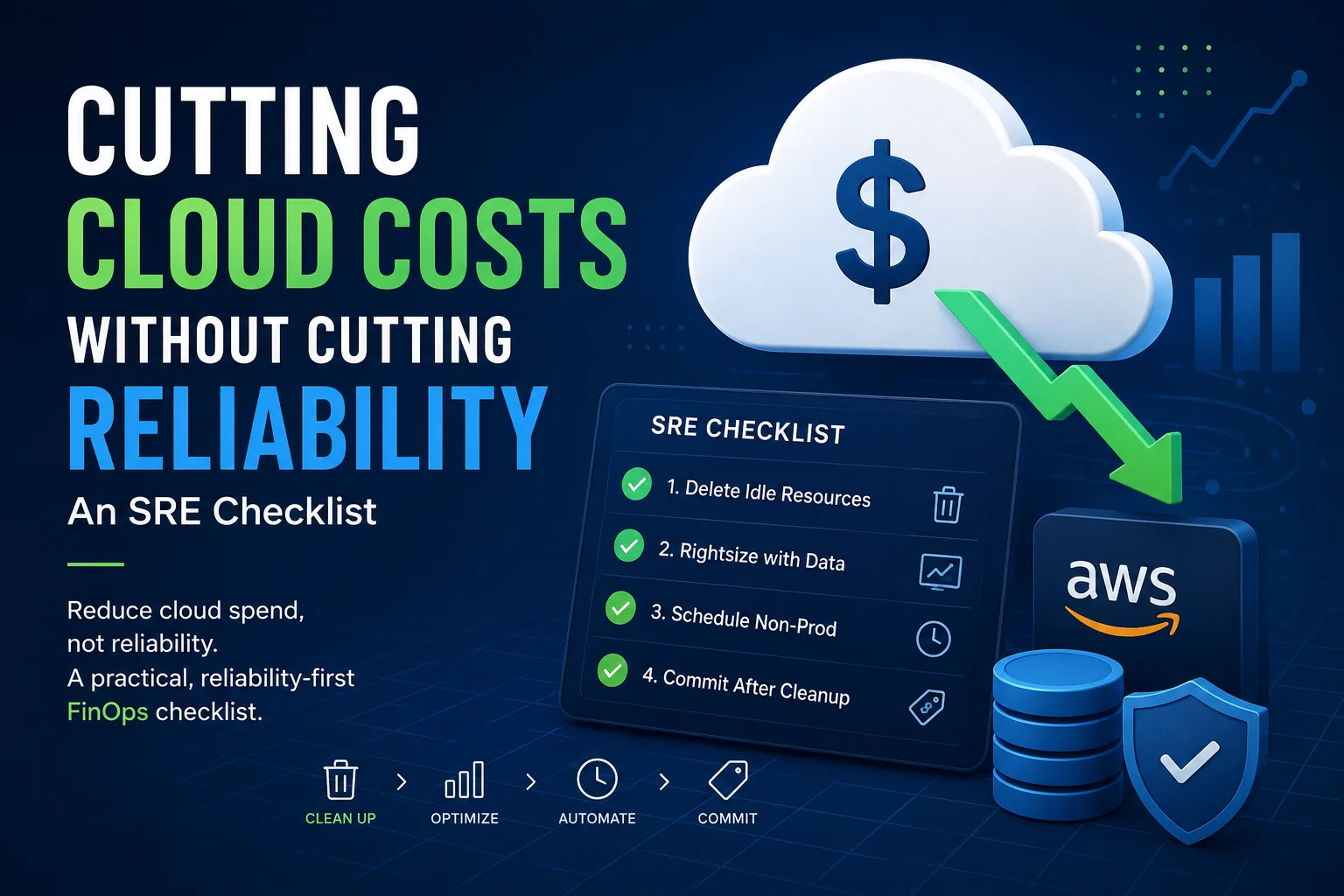
Cloud Cost Optimization Without Sacrificing Reliability: An SRE Checklist
Cloud costs can quickly spiral out of control as infrastructure grows. Many organizations rush into AWS Savings Plans or Reserved Instances hoping to lower their monthly bill, only to discover they're paying for unused capacity. The smartest approach isn't buying discounts first—it's eliminating waste before making long-term commitments.
This practical SRE and FinOps checklist walks through a reliability-first strategy to reduce cloud costs while keeping production stable.
Why the Order of Operations Matters
Cloud cost optimization isn't about finding the biggest discount—it's about following the right sequence. Teams often make the mistake of purchasing long-term commitments before cleaning up unused infrastructure, locking themselves into paying for resources they don't actually need.
A safer and more effective order is:
Remove idle resources
Rightsize workloads
Schedule non-production environments
Purchase Savings Plans or Reserved Instances
Following this workflow helps maximize savings without increasing operational risk.
1. Remove Idle Cloud Resources First
The easiest savings come from deleting infrastructure that nobody is using. In most AWS environments, 15–25% of monthly cloud spend is tied to forgotten or unused resources.
Common examples include:
Unattached EBS volumes
Idle Elastic Load Balancers
Old EBS snapshots
Forgotten development environments
Unused Elastic IPs
Previous-generation EC2 instances
Orphaned storage volumes
These resources provide no business value but continue generating charges every month.
Example: Find Unattached EBS Volumes
aws ec2 describe-volumes \
  --filters Name=status,Values=available \
  --query "Volumes[].{ID:VolumeId,GB:Size,Created:CreateTime}" \
  --output table
Deleting unused resources is one of the safest and highest ROI cloud optimization activities because it reduces costs without affecting production workloads.
2. Rightsize EC2 Instances Using Real Performance Data
After removing waste, the next step is rightsizing your compute resources.
Avoid making decisions based on assumptions. Instead, analyze at least two weeks of production metrics, including:
CPU utilization
Memory utilization
Network throughput
Disk I/O
Peak traffic patterns
For example:
An EC2 instance averaging 8% CPU utilization with low memory usage can often be downsized.
A workload consistently using 60% CPU during peak periods may already be correctly sized.
Don't Ignore Memory
One of the biggest mistakes in cloud optimization is relying solely on CPU metrics.
Applications such as Java services, databases, and containerized workloads are often memory-bound rather than CPU-bound. Downsizing based only on CPU usage can trigger OutOfMemory errors, increased garbage collection, or unexpected outages.
Always collect memory metrics using CloudWatch Agent, Prometheus, or your preferred monitoring solution before resizing instances.
3. Automatically Shut Down Development and Staging Environments
Development environments rarely need to run 24 hours a day.
A typical development server operates for around 40–50 productive hours per week, yet many organizations leave them running continuously, resulting in 168 billable hours every week.
Automating start and stop schedules for non-production environments can reduce these costs by up to 70% without impacting customers.
Common automation options include:
AWS Instance Scheduler
AWS Lambda automation
EventBridge schedules
Infrastructure-as-Code workflows
This is one of the fastest ways to achieve measurable cloud savings.
4. Purchase Savings Plans or Reserved Instances After Cleanup
Only after you've optimized your infrastructure should you consider long-term commitments.
| Option | Best For | Things to Watch |
|---|---|---|
| AWS Savings Plans | Stable compute workloads | Purchase below your optimized baseline—not above it |
| Reserved Instances | Databases and long-running services | Less flexibility due to instance family commitments |
| Spot Instances | Stateless applications, CI/CD, batch processing | Ensure interruption handling and graceful shutdowns |
Buying commitments too early often means locking in discounts for infrastructure that should have been deleted in the first place.
Common Cloud Cost Optimization Mistakes
Even experienced engineering teams can accidentally trade reliability for savings.
Deleting Backups Without Testing Recovery
Snapshots may look unused, but they could be your disaster recovery plan. Always verify restore procedures before deleting backup data.
Rightsizing Using Average Metrics
Average CPU usage hides traffic spikes.
Always analyze P95 and P99 utilization rather than averages to ensure workloads can handle peak demand.
Running Stateful Applications on Spot Instances
Spot Instances are excellent for fault-tolerant workloads but risky for databases and other stateful services unless interruption handling has been carefully implemented.
Nobody Owns the Cloud Bill
Cloud costs grow when nobody is accountable.
Assign ownership for your highest-cost services so each engineering team understands and manages its own infrastructure spend.
Final Thoughts
Cloud cost optimization and reliability are not competing goals—they complement each other.
Removing unused resources, rightsizing workloads with real data, automating development environments, and purchasing commitments only after cleanup creates a sustainable cloud optimization strategy.
The result is lower infrastructure costs, improved operational visibility, and a more reliable production environment.
Instead of chasing the biggest discount, focus on eliminating waste first. The best cloud optimization strategy is one that saves money without increasing the risk of downtime.