 devesh
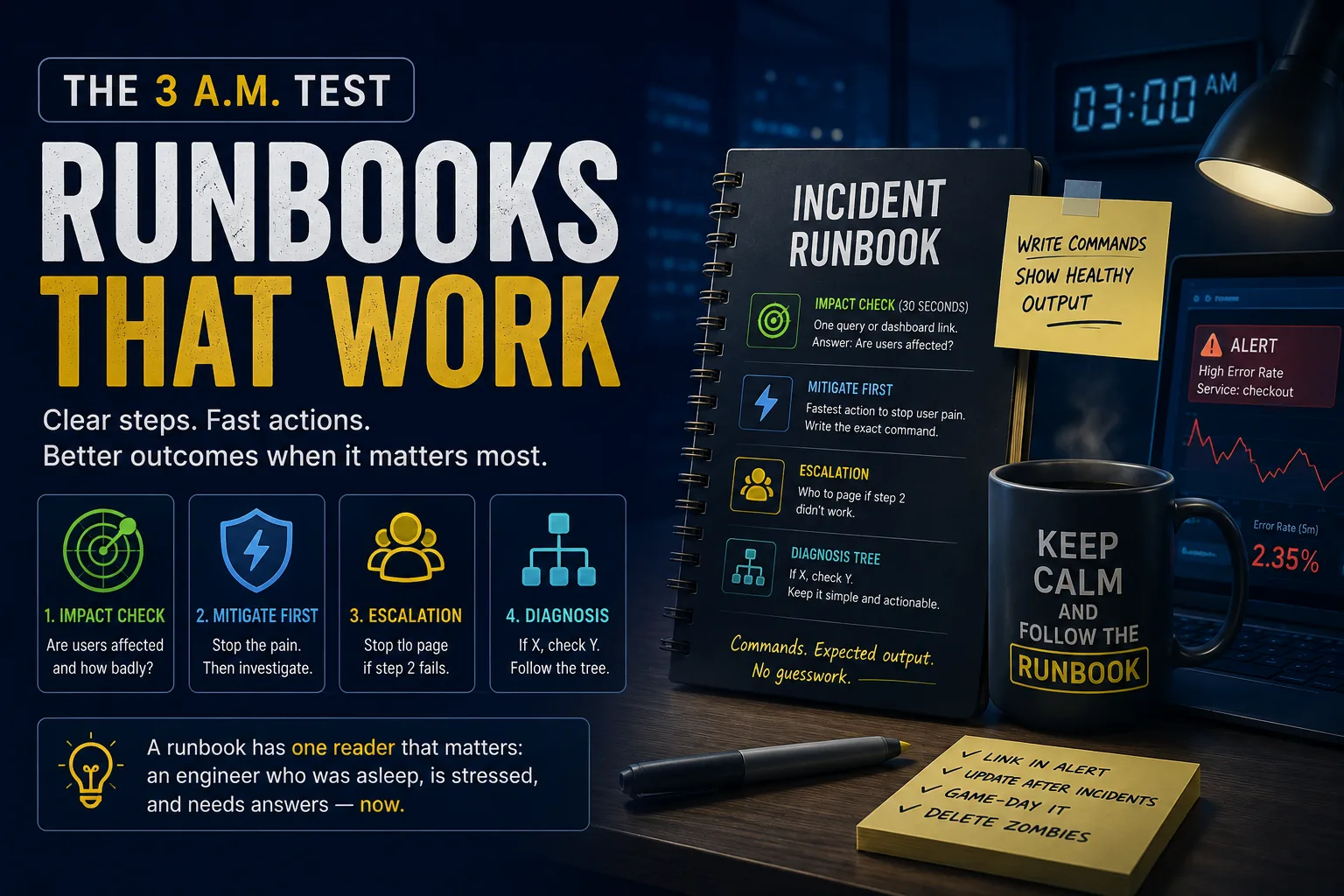
How to Write Effective Incident Response Runbooks: The 3 A.M. Test
When an incident happens at 3 a.m., nobody has time to read documentation like a novel.
Imagine an engineer who was asleep just twenty minutes ago. They've never seen the affected service before, the incident is escalating, customers are impacted, and leadership is asking for updates every few minutes.
That engineer is the real audience for your runbook.
If your runbook begins with architecture history, design decisions, or pages of background information, it has already failed its most important reader.
A great runbook should help someone resolve an incident in minutes—not educate them about the system.
What Is the 3 A.M. Test?
The 3 A.M. Test is a simple way to evaluate the quality of your incident response documentation.
Ask yourself:
Could an engineer unfamiliar with this service successfully mitigate the incident within a few minutes using only this runbook?
If the answer is no, your documentation needs improvement.
An effective runbook prioritizes speed, clarity, and actionable instructions over detailed explanations.
Structure Your Runbook for High-Stress Situations
During an outage, engineers don't need more information—they need the right information in the right order.
A proven runbook structure looks like this:
Impact Assessment
Immediate Mitigation
Escalation Path
Diagnosis and Troubleshooting
Let's look at each section.
1. Start with an Impact Check (30 Seconds)
Before investigating logs or debugging code, determine whether customers are actually affected.
Your runbook should begin with a single command, dashboard, or monitoring query that answers questions like:
Are users experiencing errors?
How many requests are failing?
Is latency increasing?
Which regions are affected?
Is this a production issue or an isolated alert?
Avoid overwhelming responders with multiple dashboards.
The goal is to establish the incident's severity within 30 seconds.
2. Mitigate Customer Impact First
During an incident, restoring service is more important than immediately finding the root cause.
Your runbook should clearly describe the fastest recovery action available, such as:
Roll back the latest deployment
Enable a feature flag
Scale additional instances
Fail over to another region
Restart a failed service
Pause background processing
Instead of writing:
Roll back the deployment if necessary.
Write the exact command required.
For example:
kubectl -n payments rollout undo deploy/checkout
The less an engineer has to think during an outage, the faster they can restore service.
3. Include a Clear Escalation Path
If the initial mitigation doesn't work, responders should immediately know who to contact.
Avoid vague instructions like:
Contact Platform Team
Notify DevOps
Ask Infrastructure
Instead, provide specific escalation information, such as:
PagerDuty service name
On-call rotation
Slack incident channel
Team alias
Emergency contact
For example:
PagerDuty: payments-platform-oncall
Slack: #payments-incident
At 3 a.m., nobody should have to search company directories to find the right team.
4. Build a Simple Diagnosis Tree
Only after customer impact has been reduced should the runbook move into troubleshooting.
Keep diagnosis steps concise.
Each branch should include:
One command
Expected healthy output
What to do if the result isn't healthy
For example:
If error rate is increasing:
Check deployment status
Verify pod health
Inspect application logs
Confirm database connectivity
Avoid long troubleshooting essays.
Think decision tree—not technical documentation.
Write Executable Runbooks
The biggest difference between documentation and a runbook is that runbooks are executable.
Instead of describing actions, provide commands engineers can copy and run immediately.
Example:
kubectl -n payments rollout undo deploy/checkout
Expected healthy output:
deployment.apps/checkout rolled back
Then verify recovery:
curl -s $DASH/api/error-rate | jq .last5m
Healthy result:
< 0.5
Showing expected output is just as important as providing the command itself.
Without it, responders won't know whether the action succeeded.
Keep Your Runbooks Up to Date
An outdated runbook can slow incident response more than having no documentation at all.
Treat runbooks as living operational documents.
Link the Runbook Directly in Alerts
Engineers shouldn't have to search documentation during an outage.
Every monitoring alert should link directly to the relevant runbook.
Update Documentation After Every Incident
Every incident teaches something.
During the postmortem, ask:
Which steps worked?
Which commands were outdated?
What information was missing?
What confused responders?
Then immediately update the runbook.
Practice with Game Days
Run simulated incidents at least twice a year.
Ask a junior engineer to resolve the issue using only the runbook.
Fresh eyes quickly reveal:
Missing commands
Outdated dashboards
Broken links
Unclear instructions
Hidden assumptions
These exercises improve documentation before a real emergency occurs.
Remove Obsolete Runbooks
Old documentation damages trust.
If responders repeatedly discover outdated commands or incorrect procedures, they'll stop relying on runbooks altogether.
It's better to delete obsolete documentation than keep inaccurate guidance.
Regular reviews help ensure every runbook remains reliable.
Best Practices for Incident Response Runbooks
A high-quality runbook should always:
Start with customer impact assessment
Prioritize mitigation before root cause analysis
Include executable commands
Show expected healthy outputs
Provide clear escalation contacts
Link directly from monitoring alerts
Be updated after every incident
Be tested regularly through game days
Final Thoughts
Runbooks are one of the most valuable investments an engineering team can make.
During an incident, every minute matters. Well-written runbooks reduce downtime, improve incident response, lower operational stress, and help even unfamiliar engineers restore services with confidence.
Remember the 3 A.M. Test:
If an engineer who has never seen your system can successfully follow the runbook and restore production, you've written a great one.
Because when incidents happen, clear documentation isn't just helpful—it's part of your production reliability strategy.